

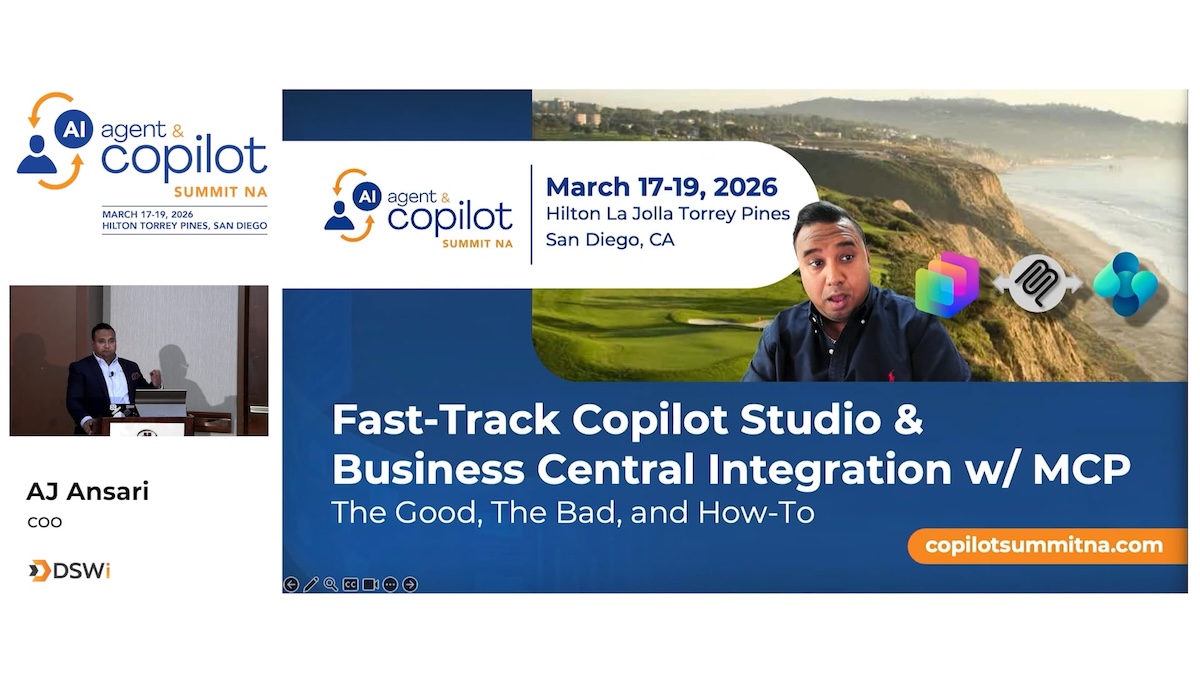
Discover how the Model Context Protocol (MCP) transforms how AI agents interact with Dynamics 365 Business Central. Learn to replace multiple API connectors with one intelligent tool that understands natural language and performs semantic searches across your data.
What you’ll learn:
- Configure MCP for Business Central (version 27.1+) in minutes.
- Build Copilot Studio agents to query customers, vendors, invoices, and financials through conversational prompts. -Use semantic search to find records without exact matches.
- Navigate MCP’s strengths and limitations to avoid common pitfalls and maximize success. See live demos of agents generating reports, creating customer records, and answering business questions – all through natural conversation.
Perfect for Business Central consultants, developers, Power Platform practitioners, and anyone building AI-powered solutions. Leave with practical knowledge to implement MCP in your BC environment and deliver instant value.
- Learning Objective 1: Configure MCP for Business Central: Learn how to set up the MCP server (BC 27.1+) quickly and correctly for seamless integration.
- Learning Objective 2:Build Copilot Studio agents connected to Business Central in minutes and use natural language and semantic search to tap into your business data
- Learning Objective 3: Understand the Business Central MCP Server’s strengths and limitations to avoid pitfalls and deliver successful solutions.
Terms: All rights reserved by the speaker, AI Agent & Copilot Summit NA, and Dynamic Communities and cannot be reproduced or distributed without express written consent by the speaker and Dynamic Communities.
Speakers
AJ Ansari, COO, DSWi

Related Posts


Add A Comment