
Microsoft has delivered new features and packaging constituting a significant refresh of Copilot, including the ability to build applications within Copilot using GitHub technology and to utilize Office apps from within Copilot, where they are now embedded.
The company’s updates also include an experience called Home that combines Chat and Cowork, as well as a forthcoming feature called Today that surfaces and acts on timely information from across a user’s Microsoft 365 apps without the user needing to ask. The company has also renamed Scout, a long-running autonomous agent introduced in June, to Autopilot.
“The way we work is changing and so are our workflows. This update brings AI into that flow, from answering a question, to building an app, to getting work done on your behalf,” Microsoft Chairman and CEO Satya Nadella said in a LinkedIn post.
Combining multiple products into one super app is likely intended to address an adoption gap – roughly 7% of Microsoft’s 450 million Office 365 seats are paying for AI add-ons, said Guillermo Flor, founder of AI Market Fit and an angel investor, in a LinkedIn post analyzing the developments. “Microsoft has the biggest installed base in enterprise software. They just haven’t converted it,” Flor said. “This is a land-and-expand play built on top of a moat they already own.” The remaining question: “Does bundling finally unlock mass adoption, or does complexity kill it?”
Coding Apps in Copilot
Copilot’s new Code feature lets any user build their own application, helping to democratize that function. Powered by the same underlying technology as GitHub Copilot. Code enables users to build lightweight, purpose-built apps to help them get work done. They can describe an app, dashboard, or workflow in natural language; Copilot will determine the best approach and build their app. This can range from desktop widgets to interactive dashboards to cloud-hosted and shareable internal apps.
Code runs in a sandboxed environment and can be hosted securely within a company’s Microsoft 365 tenant.
Microsoft also introduced Microsoft Copilot Managed Runtime, which is hosting infrastructure that lets code run safely inside an enterprise’s Microsoft 365 environment, where it can be governed by corporate IT organizations.
Office Inside Copilot
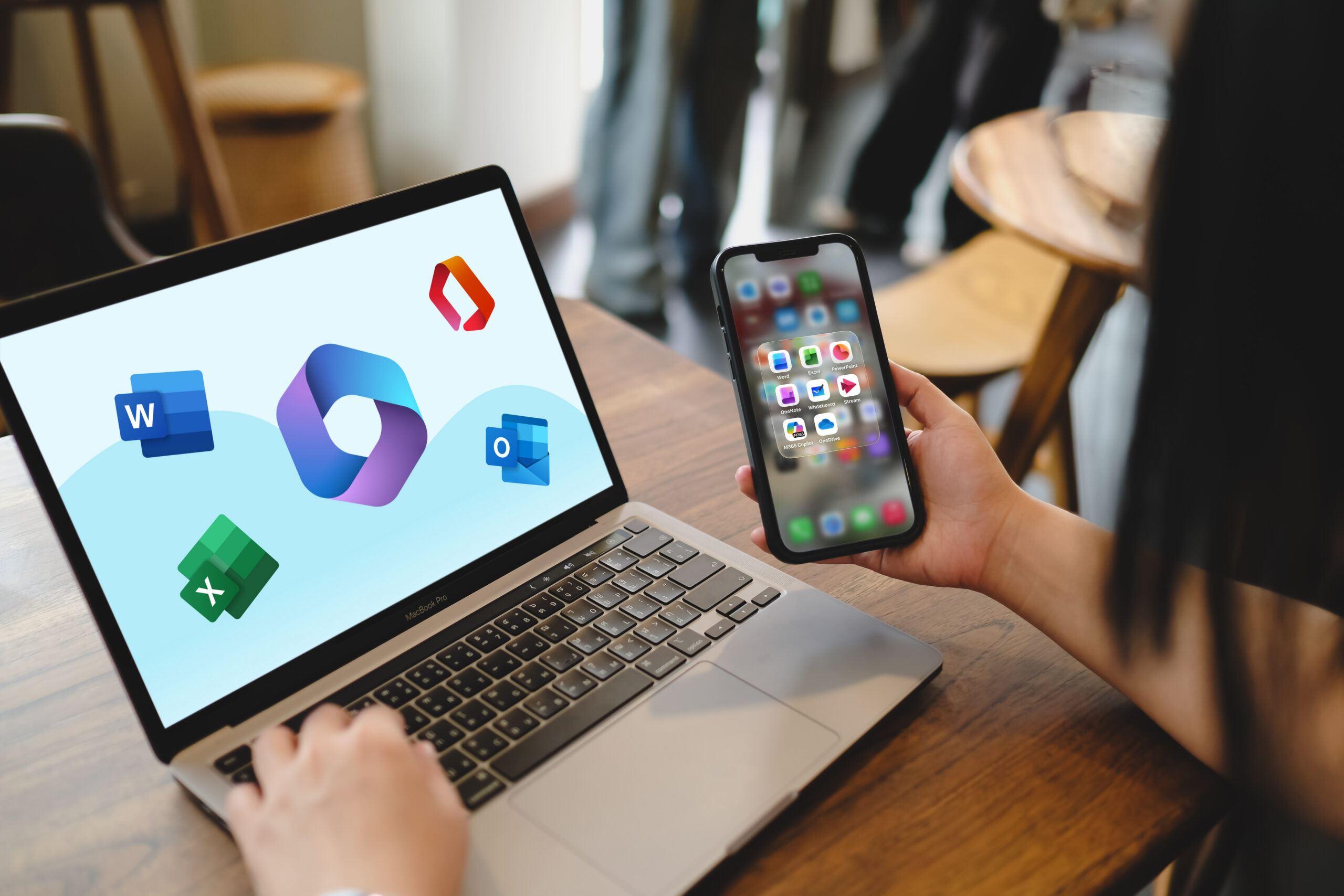
Customers can now utilize the flagship Office productivity apps – Word, Excel, PowerPoint — from inside Copilot. For example, they can ask Copilot to draft a product launch brief, create a budget, build a PowerPoint presentation, or access a file to create a document, workbook, or presentation. If Copilot or another user makes changes in an Excel sheet, for instance, other users can see what changed and Copilot will recommend an optimal chart to visualize data. Until now, they were able to invoke Copilot from within the apps, now the app experience is embedded with the growing range of functionality in Copilot.
“For users, the gains are immediate,” said Ronak Mathur, Manager, D365 at Mater Hospital, Microsoft MVP, and Agent & Copilot analyst. “No more app hopping. Documents, spreadsheets, and decks are created right where the conversation happens.”
Home: Chat + Cowork
A new feature called Home brings together Chat and Cowork, serving as the starting point through which a user can review recent activity or get suggestions on what Copilot can help with. Chat is available to answer questions, perform lookups, and create drafts. With Cowork, users define a task and it runs end-to-end to return a completed result such as an RFP response, a customer briefing, or a financial close package. In the future, users won’t need to choose a mode: they will be able to simply state what they need to accomplish in Home and Copilot will direct the work to whichever tool is best suited to execute the task, whether that’s Chat, Cowork, or Code.
The new Home experience will receive iterative enhancements including a feature called Today that is a personalized command center spanning mail, calendar, Teams, meetings, and tasks. It goes beyond surfacing work in order to complete work: a draft is written and ready to edit; a schedule change is already proposed; and a forgotten follow-up is waiting for a user to send it, complete with context so they can catch up quickly. Today enters private preview in October in Copilot, and will be coming to Outlook and Teams as well.
Autopilot, FinOps Updates
Previously called Scout, Autopilot was originally positioned as the first in a family of autopilots and has now been renamed. Users can give the newly minted Autopilot a name, a role and a goal, and it will watch channels, follow up on threads, or run recurring work without requiring a prompt. It can set up and manage a supplier review process, for example, building a schedule and workback plan, then handling prep, meetings, and follow-ups on its own. Autopilot lives in the customer’s tenant with its own identity, memory, computer, and workspace. Because it’s built on Microsoft IQ, it understands how your organization works on a day-to-day basis.
This Copilot rollout also includes new cost management features in FinOps for AI spanning Agent 365, Insights, and Microsoft Copilot. With the latest updates, FinOps for AI builds on its support for Cowork and Work IQ APIs to include Code and Copilot Managed Runtime. Admins can manage spending policies at scale with API access, route credit requests from end users into existing approval and automation workflows, and specify which AI models are available to different groups of users.
Mathur offered the following advice for IT and business leaders for managing these upgrades: pilot the new features with a governed set of users, defining who can build and who can deploy agents, and take advantage of FinOps for AI to set spending limits while defining clear roles and least-privileged access. “Organizations that set the rules now will scale fastest when general availability lands,” he said.
The updates are rolling out now through the Frontier program.

Community Summit North America is the largest independent innovation, education, and training event for Microsoft business applications delivered by Expert Users, Microsoft Leaders, MVPs, and Partners. Register now to attend Community Summit in Nashville, TN from October 11-15.

Tom Smith
Analyst
Cloud Wars, Agent and Copilot

Related Posts