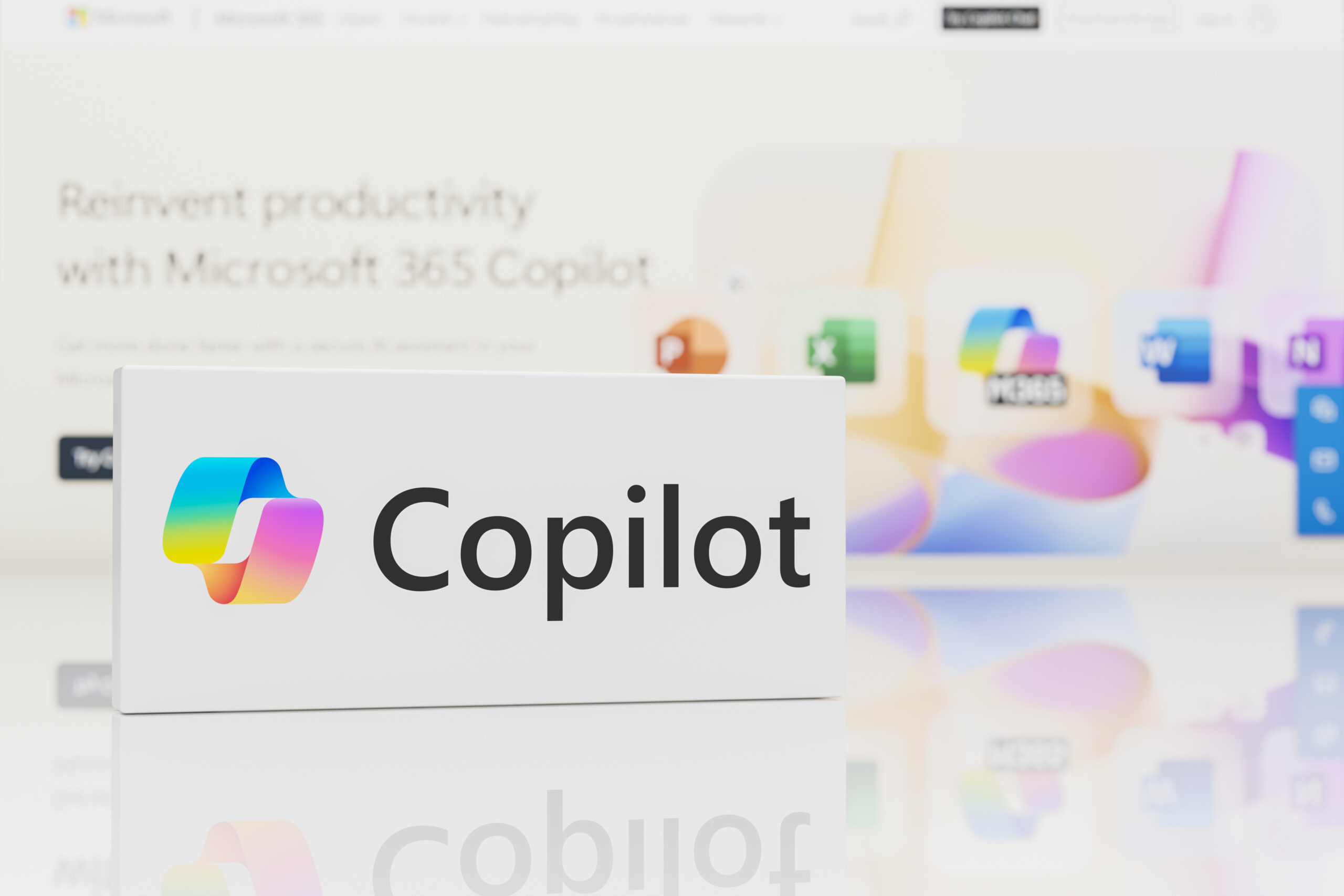

Microsoft this week took two significant steps forward with new Copilot functionality aimed at increasing personal productivity and an internally developed AI model for generating sophisticated images efficiently.
The productivity enhancements impact Copilot on Windows, which will now connect with and extract data from various third-party tools including those from Google.
This personal productivity-focused enhancement complements the many steps being taken by Microsoft and other AI software providers to make access to corporate data for copilots and agents easier through support for emerging standards and specifications including Model Context Protocol (MCP) and Agent2Agent (A2A).
Microsoft’s new AI model, which follows two recently introduced models, is designed to enable immersive, creative experiences when it comes to generating images.
Extending Reach to New Apps and Services
Copilot on Windows now gives customers the ability to connect to personal services including Microsoft OneDrive and Outlook (including email, contacts, and calendar). Importantly, users can also connect to:
- Google Drive
- Gmail
- Google Calendar
- Google Contacts
These Google-centric connections make it easier for users to find their content across their Microsoft and Google accounts — an important benefit given the prevalence of tools from these two vendors in personal-productivity use cases.
With these enhancements, Copilot now supports natural language search across connected devices and services, so a user could ask:
- “What’s the email address for Tom?”
- “Find and summarize meeting notes from the Tuesday team meeting on website content.”
Copilot will retrieve the relevant, requested information from accounts that are connected.
How will users take advantage of these functions?
First, connectivity to such apps and services is on an opt-in basis. Access is granted through the Settings page in the Copilot Windows app, scrolling to the Connectors section, and enabling OneDrive, Outlook, Google Drive, Gmail, Google Calendar, or Google Contacts.
AI Agent & Copilot Summit is an AI-first event to define opportunities, impact, and outcomes with Microsoft Copilot and agents. Building on its 2025 success, the 2026 event takes place March 17-19 in San Diego. Get more details.
Automatic Document Creation
Personal productivity enhancements also include a feature called Document Creation and Export. Copilot on Windows now enables users to create and export content into multiple file formats including Word documents, Excel spreadsheets, PDFs, and PowerPoint presentations directly from their Copilot session.
With a straightforward prompt such as “Export this text to a Word document” or “Create an Excel file from this table,” Copilot will create the file in the requested app and format. This feature speeds up the process of turning ideas or notes into editable, shareable documents.
The connectors and creating/exporting functionality is available to participants in the Windows Insider Program, which lets community members test early, unreleased builds of Windows and provide their feedback.
Image Generation Model
MAI-Image-1 is Microsoft’s first image-generation model developed entirely in-house, as the company continues to expand upon its roster of purpose-built models.
Microsoft said MAI-Image-1 has been built with a model of rigorous data selection and evaluation focused on tasks mirroring real-world creative use cases. Its goals: deliver flexibility and visual diversity that provide practical value.
It’s ideal for creating photorealistic imagery such as lighting and landscapes. Built with a focus on speed and economy, it helps users iterate quickly, then transfer their outputs to other tools to continue refining their work.
Microsoft is testing MAI-Image-1 in LMArena — a platform for evaluating AI through human preference — in order to gather insights and feedback. MAI-Image-1 will be available in Copilot and Bing Image Creator in the near future, the company said.

Tom Smith
Analyst
Cloud Wars, Agent and Copilot

Related Posts