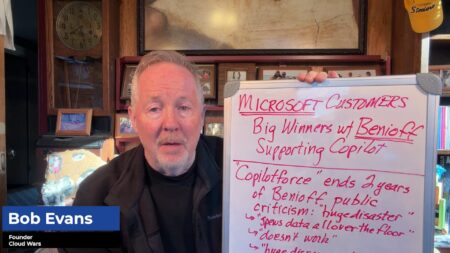


Welcome to this Cloud Wars Agent and Copilot Minute. In these discussions, I’ll be analyzing opportunities, impact, and outcomes possible with AI; today I discuss using Copilot Code to build context-aware apps.
Highlights
00:18 — Copilot Code lets users describe apps, dashboards, scripts, and internal tools in the Copilot app’s code tab. With permission, it can use email, calendar, meetings, and files the user can already access. The Copilot managed runtime handles code, data connections, sign-in, and deployment.
01:27 — I built a CIO morning dashboard in about 10 minutes and spent about $7 in Copilot credits. It included decisions with approve, defer, or decline options, strategic initiatives and milestones, an agenda, a checklist, and a notebook. The app connected to Outlook calendar and unread email in read-only mode, with sample data recording mode.
03:46 — Publishing initially required guidance from Microsoft documentation. Outlook sign-in failed in the built-in preview but worked in a normal browser. Microsoft connector consent may request broader permissions than an app uses. I advise beginning with personal tools, then adding an owner, support plan, and cost monitoring when a tool gains users.
More CIO and AI Agent Insights:
- AI Users Benefit From Bottom-Up Customization, Top-Down Governance
- Debunking ‘Software Is Dead’ Nonsense
- Cowork Experiment Delivers Powerful AI Cost Lessons
- 4 Requirements to Drive Results That Go Beyond ‘AI Theater’

Kenny Mullican
CIO
Paragon Films


Related Posts