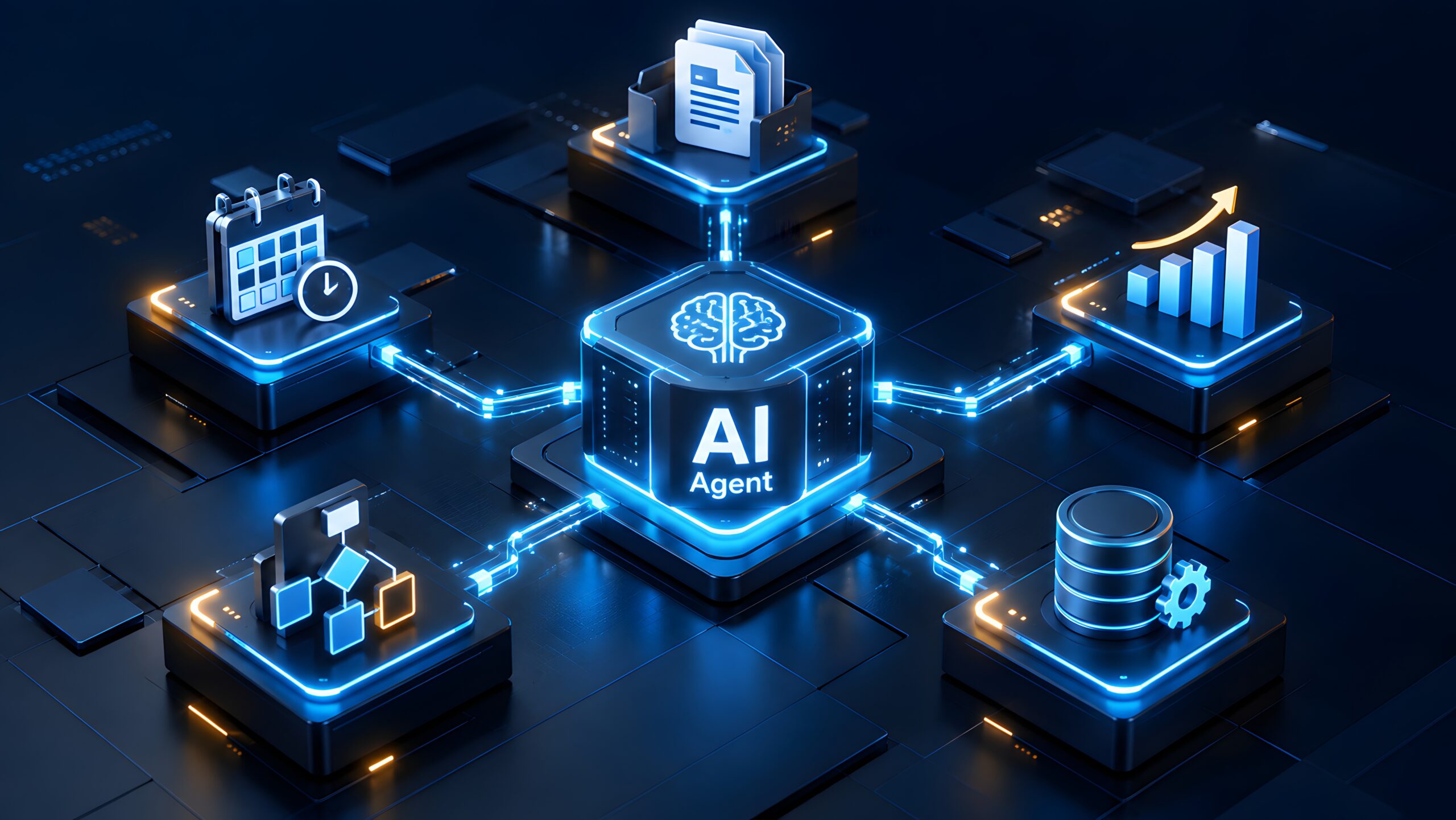

Microsoft continues to push out product features supporting reliability of AI agents and increasing their ability to predictably carry out actions that users expect of them.
The company this week said it’s previewing a feature called Hooks that runs agentic workflows automatically, without exception, rather than doing so only in those scenarios where the agent decides the workflow needs to be run.
Hooks’ preview comes shortly after Microsoft delivered new functions that analyze “traces” from agent activity logs to investigate and correct errors so developers don’t need to do so manually. Other recent developments from Microsoft in terms of agent reliability and governance:
- Governance Tools Ensure AI Agents Play Within the Rules at Runtime
- Microsoft Refines Research Agent’s Depth, Quality by Tapping Third-Party Models
How Hooks Operate
Hooks run a workflow automatically when something happens in an agent built with Copilot Studio that triggers the workflow – such as a session starting, a tool running, or an error occurring.
Hooks have two components. The first is an event, which is the point in an agent’s lifecycle that the hook listens for. The second, an action, runs when the event fires. When the event does fire, Copilot Studio calls the workflow that’s bound to the hook, passes details about what happened, and reads the workflow response back into the conversation.
Hooks differ from tools, which are the current means to run a workflow. In the case of a tool, the agent chooses to start it, whereas with a hook the event automatically fires. Another difference: a tool runs solely when the agent judges it to be relevant, vs. every time the event occurs in the case of hooks.
Microsoft named four potential workflows where hooks could be applicable and add value:
- Adding context at the start of a session by looking up information such as open customer support cases, then providing information to the agent before a conversation begins
- Checking a tool before it runs, inspecting what the agent is about to do and, if it’s breaking a business rule, blocking that action
- Adjusting or recording a tool’s result, redacting sensitive data, reformatting a response, or creating an audit record after a tool runs
- Handling failures by telling the agent to retry, skip, or stop when a tool fails or an error occurs
Hooks are configured from the agent’s command bar and accessed through the “Add hook” page, where the user needs to enter event details and the workflow to run. Users can also create a workflow if they don’t already have one that fits the event.
Proceed With Caution
Microsoft provided the following caveats and qualifiers to help educate users on hooks and ensure they’re deployed appropriately:
- Hooks are attached to a specific agent. Adding a hook doesn’t change the workflow and the same workflow can be shared across agents
- Hooks don’t stop an agent when it fails. If a workflow fails, times out, or returns something the agent can’t read, the agent continues as though the hook returned nothing.
- The workflow connected to hooks must be published. A workflow that’s saved but not published doesn’t run.
- Inputs should be treated as untrusted and therefore validated in the workflow before acting on them. Prompts, tool results, and error messages can contain content the agent didn’t produce.
- Editing a workflow affects every hook that uses it.
Full details on hooks configuration and features are available at this Microsoft Copilot Studio learning page.

Community Summit North America is the largest independent innovation, education, and training event for Microsoft business applications delivered by Expert Users, Microsoft Leaders, MVPs, and Partners. Register now to attend Community Summit in Nashville, TN from October 11-15.

Tom Smith
Analyst
Cloud Wars, Agent and Copilot

Related Posts